
Printronix P8000 Repair
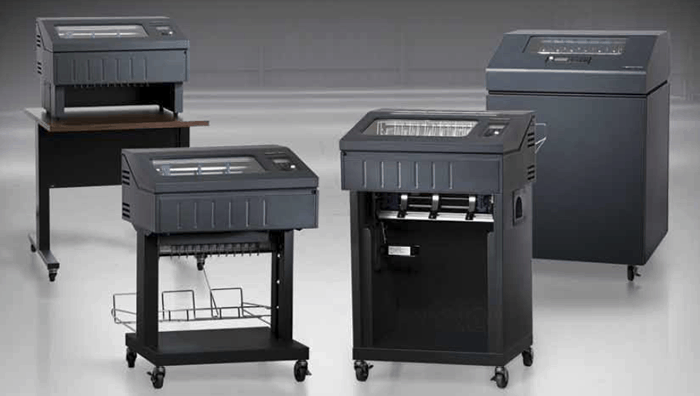
If your printer starts acting up, it can be tough to know if you’re dealing with a minor issue or something more serious. That’s especially true with the Printronix P8000. It’s built to last, but no machine is immune to occasional hiccups. So how do you tell whether you just need a tune-up or you’re headed for full-on Printronix P8000 repair? Here are some tips to help you do just that from the experts with Printer Connection, Inc.
Print Quality and Noise
If you’re seeing faded output or streaks, it could just mean your ribbon’s due for a change. That falls under regular maintenance. But if you’ve already swapped supplies and you’re still getting patchy print or lines across the page, that might signal worn internal components. Unusual noises are another clue. A little hum or rattle isn’t always a big deal, but grinding or clicking could point to something that needs a closer look – and possibly Printronix P8000 repair.
Pay Attention to Error Messages and Interruptions
Your printer’s error codes exist for a reason. If it’s flashing a warning or shutting down mid-job, it’s more than just a nuisance. These alerts usually signal mechanical or sensor issues that go beyond daily upkeep. When you start seeing repeat messages or failed startup attempts, it’s time to stop guessing and consider a professional Printronix P8000 repair visit.
Check Your Maintenance Records
If your printer’s been getting regular cleaning and care, sudden problems are more likely to be mechanical or electronic – things that basic upkeep won’t fix. But if your maintenance has been irregular, what seems like a breakdown might just be a result of skipped service. In either case, reviewing the history can help you decide whether it’s routine maintenance or time for Printronix P8000 repair.
Trust Your Gut – but Verify
You know your equipment. If something feels off, it probably is. But it doesn’t hurt to get a second opinion before diving into a full Printronix P8000 repair. Sometimes what looks like a major failure is just a dirty sensor or misaligned ribbon.
Whether you need Printronix P8000 repair or maintenance, get yours from Printer Connection, Inc., by using our online form or calling 817-430-6202.